Drawboard Projects vs Bluebeam

One live drawing set from first markup to closeout

Drawboard Projects gives AEC teams a shared review space where office, field, and outside reviewers work the same live drawings. Markups, comments, and Tasks sync within seconds, so a review runs as one live conversation on the drawing, with everyone seeing the current set and the open work the moment they open the project.
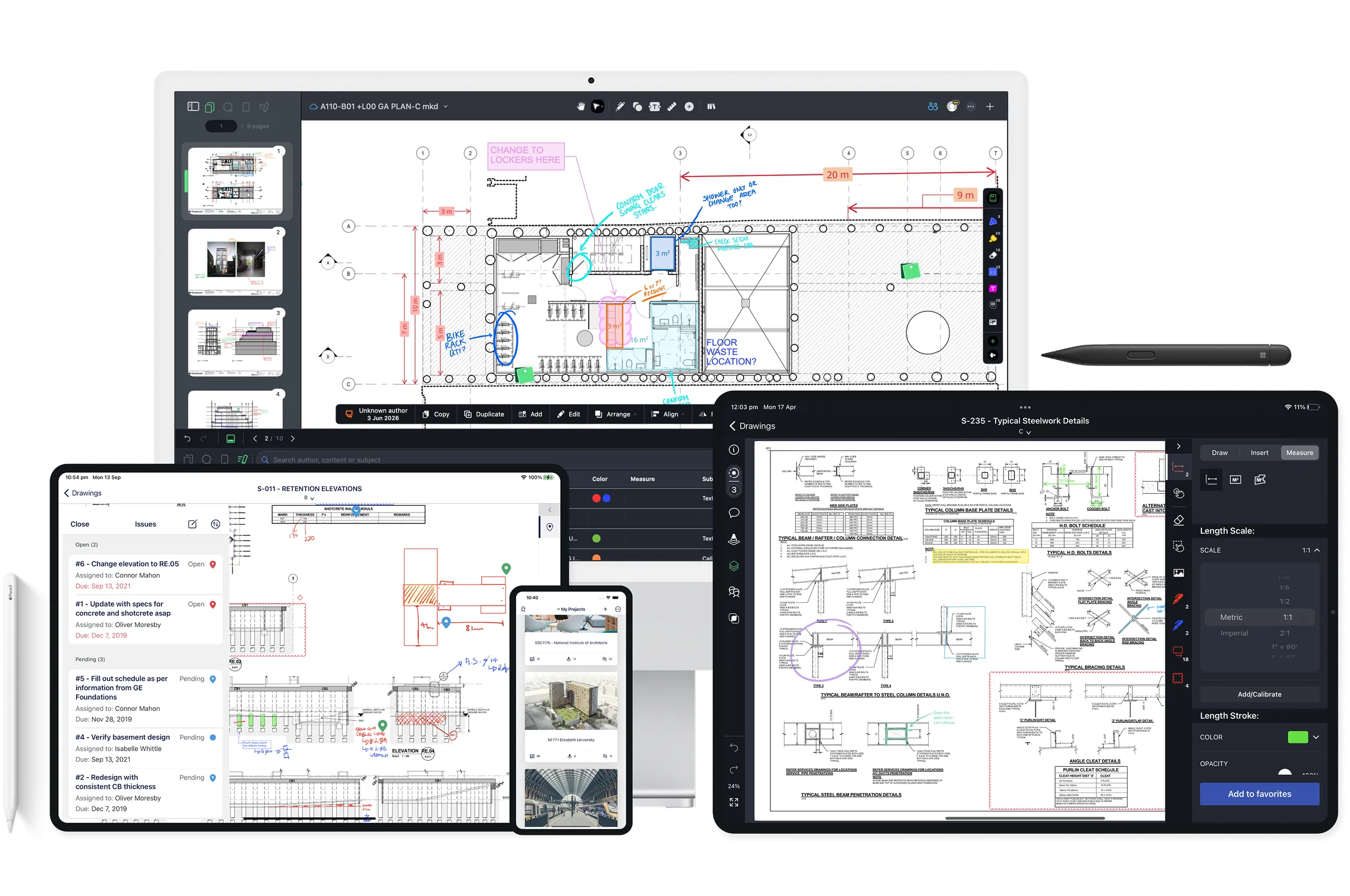
Drawboard PDF devices

Design reviews that survive every revision

A drawing set is never finished in one pass. It gets revised, reissued, and marked up again, and when review happens in a session or an exported copy, the open comments don't come with it.

Drawboard Projects keeps the review attached to the drawing itself, so every markup, task, and comment thread carries onto the new revision and stays tracked. The team sees what changed and what's still open in one place, with nothing to rebuild from a spreadsheet.

Why AEC teams choose Drawboard Projects over Bluebeam

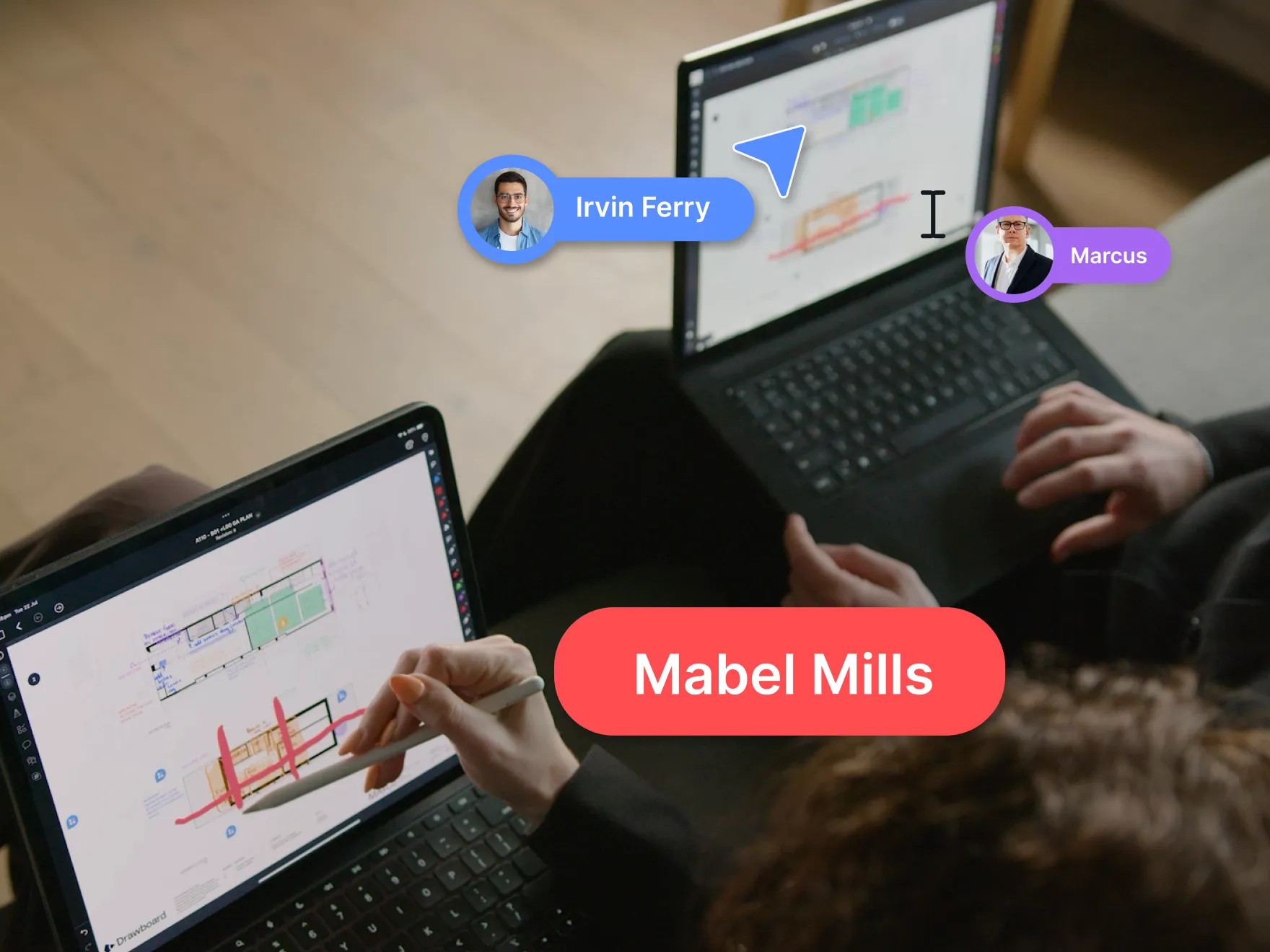
Group reviews that keep everyone on the same page

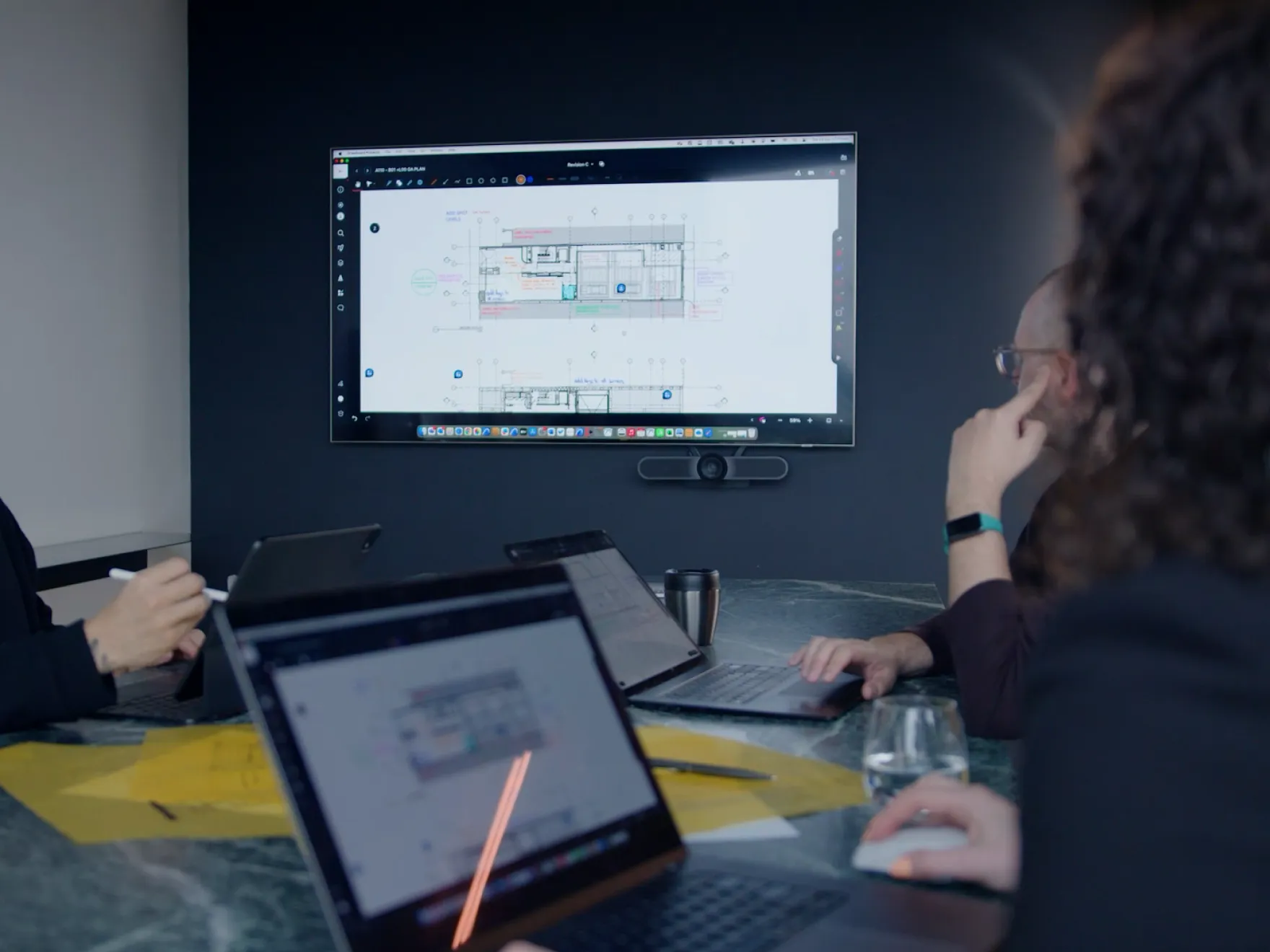
Drawboard Projects syncs markups and comments instantly, with Live Cursors showing who is pointing where, so a review feels like standing around the plans instead of talking over screen shares. And when the room needs to focus, Spotlight locks every participant onto the presenter's view as they move through the set.

Real-time sync
Live Cursors
Spotlight

Every markup becomes owned, tracked action

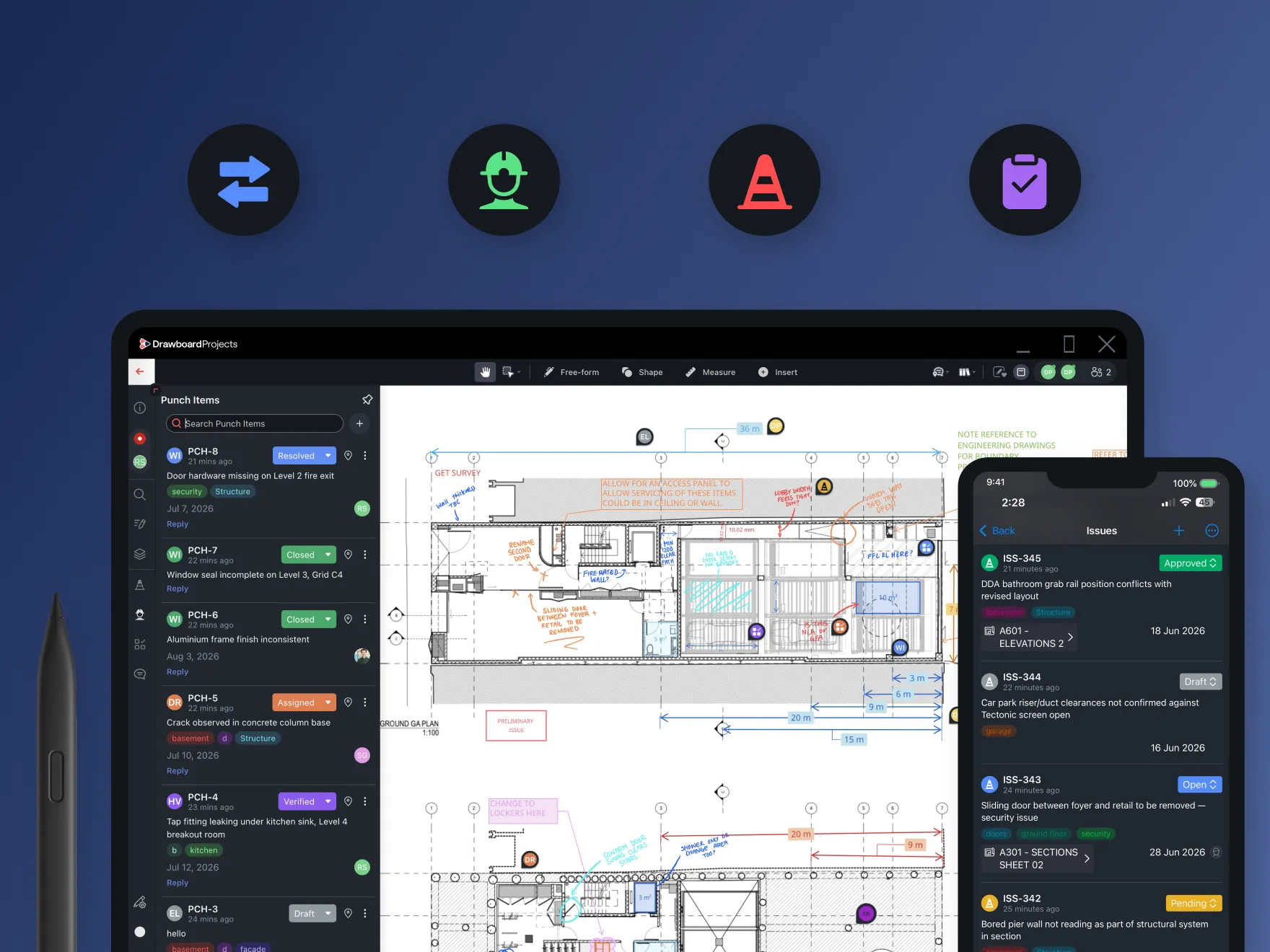
Turn any markup into a Task or Issue pinned to the exact spot it concerns, with an owner, a due date, and a status.

Punch items, RFIs, and design queries all roll up into centralized lists your team can filter by assignee, discipline, or status.

On-drawing Tasks
Custom statuses
Central Task List

Feedback carries across every revision

New revisions auto-stack, and title blocks are scanned on upload to cut down sheet sorting.

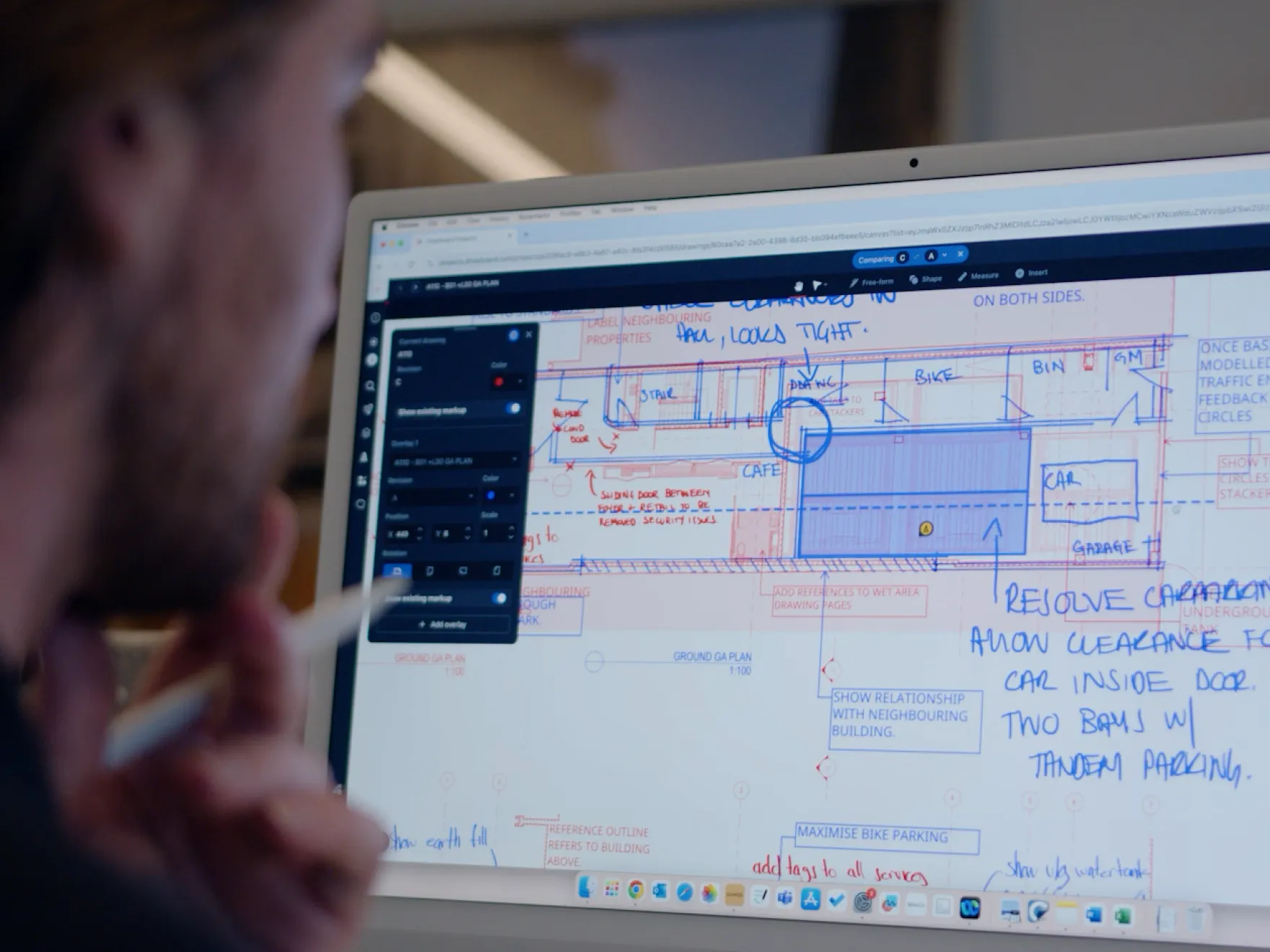
Markups, Tasks, and comment threads carry forward to each new revision, and Drawing Overlays compare up to five revisions at once to show exactly what changed.

Auto-stacked revisions
Carry-forward
Drawing Overlays

Consultants and clients review in the same workspace

Invite external reviewers straight into the project to comment and approve on the same live drawings as your team, no paid seat required.

Time-limited guest access on eligible plans covers client sign-offs and short consultant reviews without exporting a set.

Free guest reviewers
Time-limited access
In-context approvals

Compare Drawboard Projects vs Bluebeam on what matters

Pricing
Bluebeam Basics
$260 per seat/year
Team / Bluebeam Core
$270 per seat/year
$330 per seat/year
Growth / Bluebeam Complete
$370 per seat/year
$440 per seat/year
Enterprise / Bluebeam Max
Custom pricing
$590 per seat/year
Key Features
Collaboration style
All drawings and documents are persistently live canvases
Temporary session-based collaboration
Pressure-sensitive ink
Essential markup tools
No training required
Issue tracking inside drawings
On-drawing discussion
Guest collaborator access
Share link to mark up in web app. Up to 6 months access
Download 30 day trial and create account
Cloud drawing overlay
File storage system
Microsoft Azure
Amazon AWS
Cloud revision management
Perpentual storage of collaborative markups
Session files deleted after 120 days
Document management integrations
SSO
Application
Native apps included with account
Web app for modern web browsers
Windows app
iPad app
Legacy Windows program
Licensing
Automatic major updates
One paid update per year
License type
Login - three concurrent devices
Single machine key
Pay-as-you-go option
Pay upfront option
Support included in license

See your next review run on one live set

Give your team one place to review drawings, assign the follow-ups, and track them to closeout, with everyone on the current revision. 

Start a 30-day free trial on any plan, or book a demo.

FAQ

How is Drawboard Projects different from Bluebeam Revu?

Bluebeam Revu is a Windows-first markup and takeoff tool, with team review handled through scheduled Studio Sessions and a lighter Cloud app for Apple and mobile.

Drawboard Projects is a design review platform where the whole team marks up one live set together across Web, Windows, iPad, and iOS, with Tasks and revision history kept on the drawing. Teams that rely on desktop takeoffs may still want Revu for that work, while teams whose day revolves around coordinating reviews tend to prefer Projects.

Does Drawboard Projects work on iPad and Mac?

Yes. It runs natively on Windows and iOS with full stylus, mouse, and touch support, and Mac and Android users work through a full-featured web app.

A reviewer on an iPad in the field gets the same live set and tools as someone on Windows, which is where Bluebeam's Apple experience thins out against Revu.

Can external reviewers join without a paid license?

Yes. Invite consultants, clients, and trades in as guests to review and approve on the same drawings as your team, with time-limited guest access (up to 6 months) on eligible plans for short reviews. Their feedback stays pinned to the drawing rather than arriving as a separate file to reconcile.

Can I collaborate with my team in real time?

Yes. Markups, Tasks, and comments sync within seconds across every device, so field and office see the same drawing as work happens. Live Cursors and Presence show who's reviewing a sheet and where they're pointing, so a review runs without waiting on a Studio Session to sync.

What happens to feedback when drawings are revised?

New revisions auto-stack, with title blocks scanned on upload to cut down sorting. Markups, Tasks, and threads carry forward to the new revision, so the full history of what was raised and resolved stays intact.

Drawing Overlays let you compare up to five revisions at once to confirm what changed.

Does Drawboard Projects integrate with the tools my team already uses?

Yes. It connects with Revit, Procore, and Aconex for drawing intake and review handoff, plus SharePoint, OneDrive, Google Drive, and Dropbox for storage. Procore and Aconex are available on higher tiers.

Coordinate your next project with Drawboard Projects