Add Headers & Footers

Add titles, dates, and references to every page, with no uploads, no account, and no limits.

How Drawboard Makes It Easy to Add Headers and Footers

Add Text to Specific Header and Footer Positions

Place content in the left, center, or right areas of both the header and footer, so you can structure page information exactly how you want it.

Insert Useful Repeating Details Fast

Add recurring information like page numbers, dates, titles, or document references without manually editing every page.

Use Templates Alongside Custom Text

Combine typed text with built-in fields like page number and date, making it easier to create headers and footers that stay practical and consistent.

Match the Style of Your Document

Choose the font family, style, size, and color so headers and footers feel like part of the original document rather than an afterthought.

Control Margins and Page Range

Adjust spacing from the page edges and choose whether the header or footer applies to all pages or only selected ones.

Keep Multi-Page Files Clear and Professional

Headers and footers help identify documents at a glance, keep printed pages in order, and add context that stays visible throughout the file.

How to Use The Headers and Footers Tool
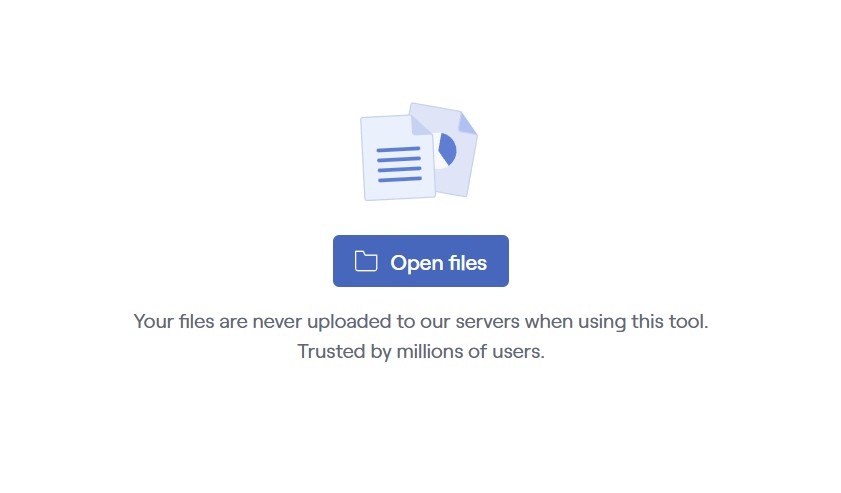
Add your PDF to the tool by dragging and dropping it in, or select it from your file browser.

Enter the text you want to use and customize it to fit the rest of your document.

Choose the pages and where on the page your text should appear: the header or footer, and left, center, or right on the page.

Headers and Footers FAQs

Why trust Drawboard PDF’s free headers and footers tool?
You can trust our header and footer tool because Drawboard PDF has made marking up and managing your PDFs easy for nearly a decade. This tool gives you a simple way to add recurring page details without uploading files, creating an account, or editing every page manually. It’s quick, clean, and easy to use, so there’s no reason not to use it.
What can I add as a header or footer?
You can add titles, dates, references, file names, revision notes, or other repeated text that should appear across the document to any location on the header or footer.
Can I choose where the header or footer appears?
Yes, you can choose where the header or footer appears—both location and which pages they apply to. The tool lets you place content in the left, center, or right sections of both the top and bottom of the page, and pick exactly the pages you want to add the details to.
Can I add things like page numbers or dates automatically?
Yes, you can add page numbers or dates automatically. The tool includes template options that let you insert these repeating elements without typing them manually on every page.
Can I customize how the header and footer look?
Yes, you can customize how the header and footer look. You can adjust the font family, font style, size, and color so the added content fits the design of your document more naturally.

Explore Drawboard's
Paid Plans

Discover more features with our premium plans.

4.7
13,256 user ratings
Microsoft Store, Sep 2021

Explore Drawboard PDF's full modification tools

Get started with
Drawboard PDF
download windows
Web browser button
Apple app store button
Download Google Play for Android
Available on Windows, iOS, macOS, Android and in your web browser.